Showing posts with label FREE. Show all posts

2022/06/25

Mice should always have worked like this

 Apple Macs use mice and Apple don't give you too many options for configuring them.

System Preferences / Mouse

That does give some control and of course it's optimised for Apple mice (which are really trackpads nowadays as they don't have wheels on anymore). 3rd party mice may well have their own software / system preferences pane to allow some adjustments.
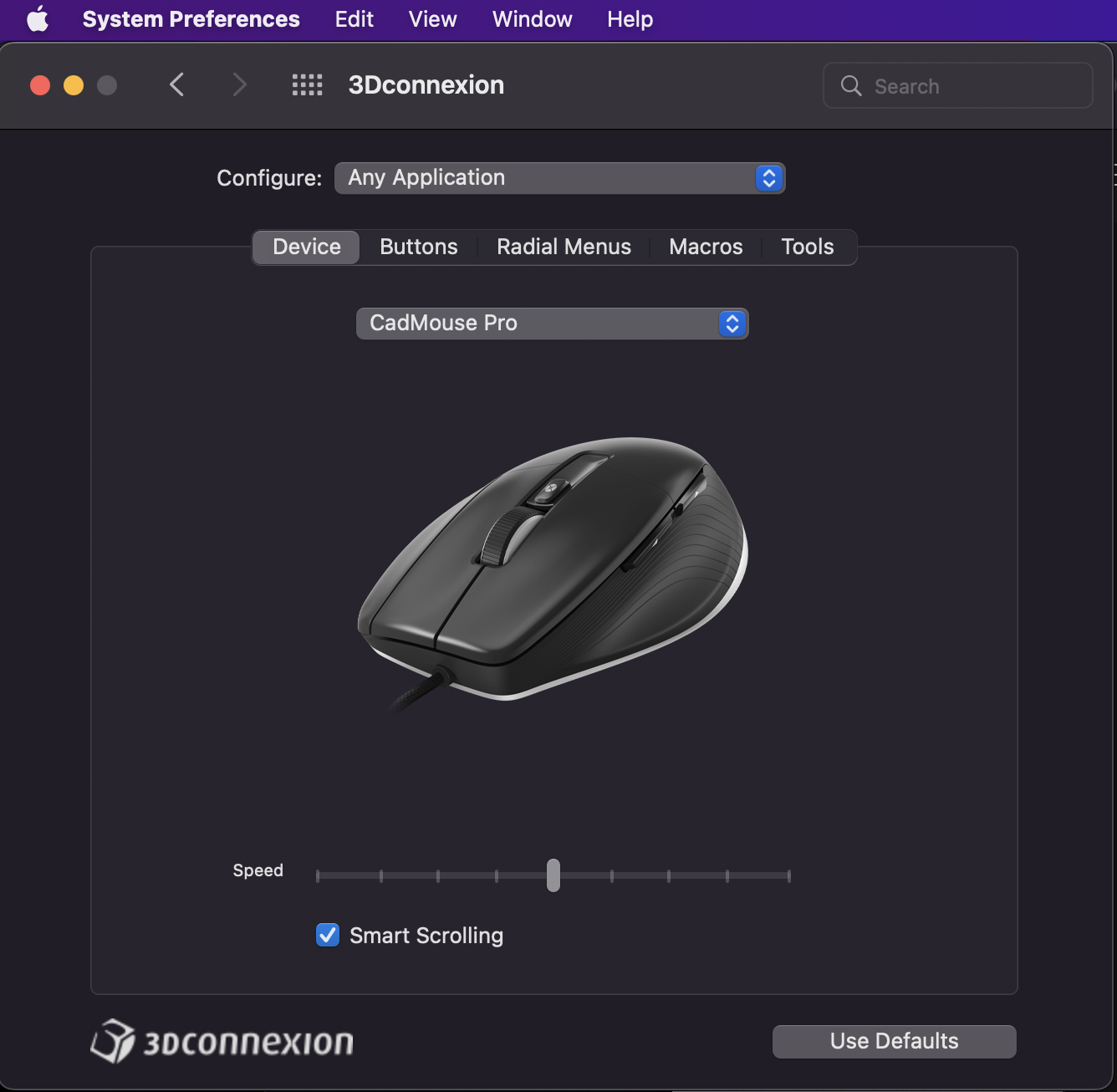
3D Connexion Preference Pane

In their wisdom Apple make scrolling accelerate as it's used continuously, so scroll down a page and suddenly it can jump to the end because the scrolling has sped up (especially noticeable scrolling long pages).

Now there's a helping hand (well a little utility that lives in the menu bar) called LinearMouse and it'a free. It can be directly downloaded from the site (.dmg) or installed via Homebrew

#brew install --cask linearmouse

The source code is also available on Github so it's possible to build the app yourself (more importantly ensure it's not doing anything suspicious in the background).

Once installed a mouse looking icon appears in the menu bar and clicking it brings a dropdown menu showing the mouse options and click on LinearMouse Properties.

LieanMouse Preferences

Reverse scrolling does just that and the scrolling direction will be reversed, but the magic is enabling linear scrolling as this stops the scrolling speeding up. Once you enable it, you'll wonder how you ever lived without it, it's a game changer.

One of the best utilities you'll find for your Mac (now of course Apple will integrate the functionality into a future version of macOS).

2017/12/21

Paragon, allowing users to mount the world

Paragon Software makes software that allows users to mount disks from other operating systems. So say you're a Mac user, then you could mount a Windows disk that's formatted with NTFS and access it normally just as you would a disk that's formatted in a native macOS system. Once installed, the system should be rebooted, then external drives should appear as native drives through the file system.

On macOS Paragon support Windows NTFS and also extFS (used by Linux and supporting Ext2, Ext3 and Ext4 disks). There's also a 'value' pack which contains both and support for older Apple formats such as HFS+.

Windows users are also supported so there's support for HFS+ and Linux ExtFS.

Paragon have just announced Windows support for the new Apple File System, APFS and it's a FREE download. Again it will install so that drives are available through the Windows Explorer (and available to any Windows program). Drives will auto mount on start-up. Currently only read-access to the drive is supported.

The Mac version does work nicely and accessing an old hard disk from a Linux system was painless and fast. An added bonus is that it makes access RaspberryPi SD cards a breeze, use any of the SD card utilities to get Raspbian or other operating system on to the SD card, then access it as an attached disk and modify any of the configuration files before installing it into the Pi itself. Can save a lot of time rather than having to boot up the Pi, log into the Pi and then configure everything locally, reboot, etc.

Though not relevant to home users, Paragon also specialise in making drivers for iOS, Android and other embedded operating systems such as QNX and embedded Linux. There's also drivers for UEFI (i.e. the replacement for the BIOS on systems), so that a system, even before the operating system is loaded, can access various drives.

Embedded Linux is used in a lot of systems like Network Attached Storage (NAS) and the drivers allow the NAS to access content on external disks or SD cards in not native formats. QNX is used in a lot of system that use a Real-time OS and again the drivers allow access to non-native disks.

Pricing varies, ExtFS for Mac is £29.00, NTFS for Mac is £15.95 or the UFSD value pack (allowing NTFS and ExtFS on Mac and HFS+ and ExtFS on Windows) is $49.95 (oddly only seems available in dollars).

2017/08/02

Hologram - a developer friendly international SIM

Hologram is a US company that offers both a hardware cellular device called a Dash, back-end cloud services and international SIMs that can be used globally.

The Dash is programmable through the Arduino IDE (and is supported out the box in recent versions) and the Dash firmware directly supports Holograms cloud services.

The cloud services know about Dash devices and then various routes can be set, which allow things to be sent to the Dash or from the Dash to another service (like IFTTT, Slack, etc).

The SIM is a standard 2G/3G SIM that can be fitted in a Dash and then be used on any supported mobile network. There are various pricing models with paid plans starting at $0.40 per month with data costing $0.60 / MB (billed by KB) in a pay-as-you-go service or pre-pay: -

>
DataZone 1Zone 2
500KB$0.59------
1MB$0.99$1.29
2MB$1.49$1.99
3MB$1.49$2.99
5MB$2.99$3.99
10MB$3.99$6.99
20MB$5.99$12.99
30MB$6.99$16.99
50MB$7.99$28.99
100MB$14.99$47.99
125MB$18.99$59.99
250MB$32.99------
500MB$55.99------

There are also US only plans: -

$8.00250MB
$12.00500MB
$20.001GB
$36.002GB
$70.005GB

SMSZone 1Zone 2
INBOUND (to device)FREEFREE
OUTBOUND (from device)$0.19 / Message$0.30 / Message

Zone 1 is EU, US etc and Zone 2 Canada, bits of Africa/South America and other odd countries.

Hologram have just announced a Developer plan (1 SIM ONLY), which gives 1MB per month absolutely free (and then $0.60 per MB billed by KB) and they'll even ship it for free using code "DEVPLANBLASTOFF" (no quotes).

That's pretty useful so testing the service is easy, without spending a lot of data charges.

The Dash has some pretty nice features too, such as being able to sent program and even firmware updates OTA (though that's going to quickly eat data, especially for firmware updates).